Step 1
-
So first of all, make sure you have Nodejs and VSCode installed on your pc.
-
If not, download it from VSCode from here https://code.visualstudio.com/download and NodeJs from here: https://nodejs.org/en/
Step
- Open your terminal and write down:
npm install -g gatsby-cli# This is the starter which we will use
gatsby new my-gatsby-project https://github.com/gatsbyjs/gatsby-starter-blog cd my-gatsby-projectStep 3
- Open the project in Vscode
code . -
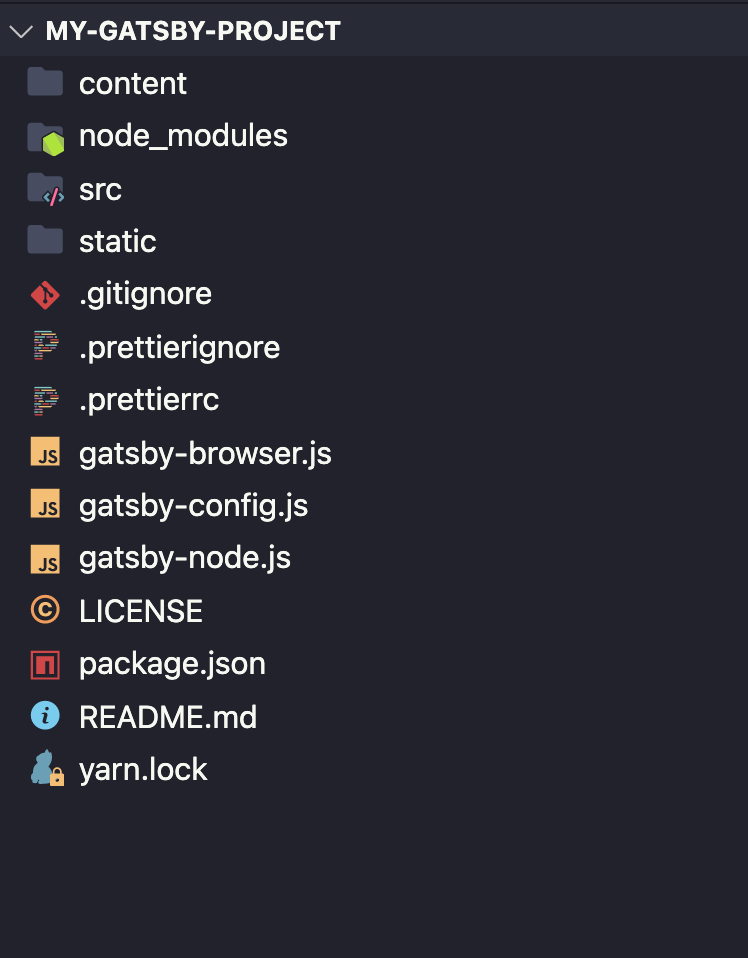
The Project structure should look like this:
-
Gatsby will start a hot-reloading development environment accessible by default at
http://localhost:8000. Website should look like this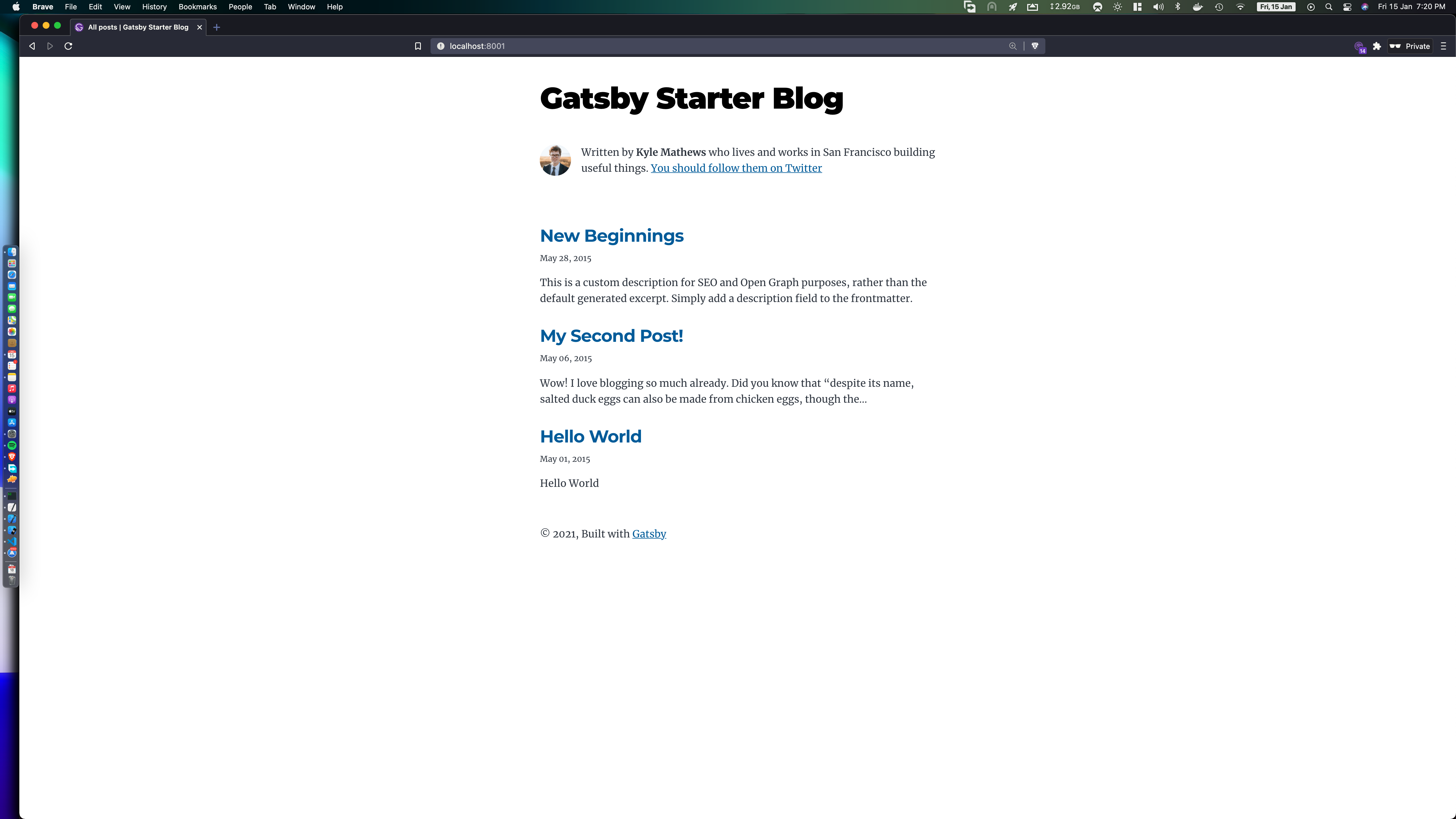
Step 4
Write your own blog
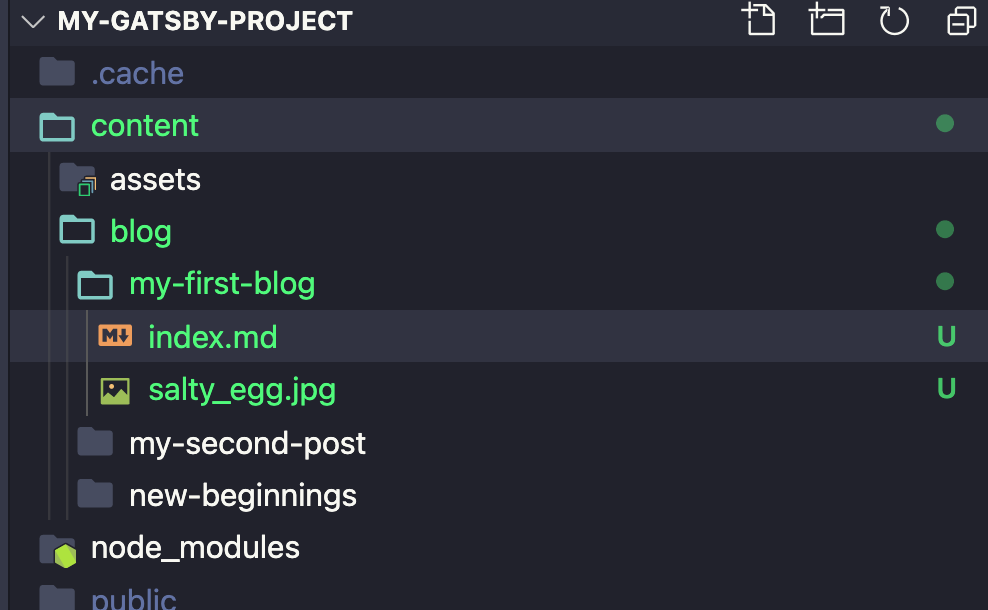
- Change the name of the folder
hello-worldto the title of your blog in our casemy-first-blog - Write your content in index.md using Markdown
- You can learn about basic markdown from here: https://www.markdownguide.org/basic-syntax
Discussion